

BeTheClip
About BeTheClip and support
BeTheClip is an Android app for preparing videos: supported-link downloads, local imports, optional editing, MP4 export and user-initiated sharing. BeTheClip is the brand. The full English title, “BeTheClip Download Edit Repost”, describes the three steps: download, edit and repost. Version 1.0 for iPhone and iPad has been submitted to Apple. The App Store download link will be added after approval and release.
Operator and official channels
BeTheClip is operated by 日照道胜信息科技有限公司. The public Google Play developer name is Daosheng. Use the official store link, this website and support@betheclip.com to identify the product and its support channel.
Product facts
- Free local import, trim, mute, save, export and system sharing do not require sign-in.
- Frame, crop, rotation, text, solid masks and fixed-area mosaics require active Plus or a valid trial.
- Imported media and projects are stored on your device; BeTheClip does not provide a media-cloud backup.
- Sharing opens a receiving app. You complete account selection, upload and publication there.
New on Android
Android · 0.1.4 (16)
The Android release adds more control over editing and clearer processing results. The original video stays unchanged; the tutorials below explain the workflow and access requirements.
Split the same video repeatedly, delete unwanted segments and export the remaining segments in order while keeping the original.
Read the guide →Choose preset or custom text colors with active Plus or a valid trial.
Read the guide →Fixed masks show loading, success and failure feedback. Reopening the mask tool while editing the same video can reuse preparation work and reduce repeated waiting.
Read the guide →Follow actual export progress, including finalization, and cancel an export when needed.
Read the guide →Distribution preparation reuses a prepared video where possible. History distinguishes handoff, cancellation and unconfirmed status; handoff does not mean published.
Read the guide →
Android and iOS availability
Android · Available on Google Play
Android 0.1.4 (16) is available on Google Play. Check the store listing for availability in your region and compatibility with your device.
Direct Android download
- Version
- 0.1.4 (16)
- File size
- 82.5 MiB
- Requires
- Android 7.0+
- Architectures
- arm64 / x86_64
For new installations. Update Google Play installations through Google Play; update website installations manually from this website.
This APK uses a different signing certificate and cannot update an installation from Google Play.
iOS · Submitted for App Store review
Version 1.0 for iPhone and iPad has been submitted to Apple. The App Store download link will be added after approval and release.
- Download, edit and prepare to repost with BeTheClip. Save a supported video link, or import from Photos or Files. Keep the original, make an optional edit, and prepare your post text before sharing.
- Free tools let you trim the beginning or end, mute or keep the original audio, save projects and export finished clips. Basic editing does not require sign-in.
- With an active trial or BeTheClip Plus, make new edits to the frame, crop or rotate the picture, add text, and cover fixed areas with a solid cover or mosaic. These features require sign-in and valid access. Effects already saved in your projects remain available after access expires.
On iOS, sharing requires sign-in and an active trial or Plus. Finish posting in the receiving app. Prices and renewal terms are shown by the App Store for your account and region.
Actual iOS app screens
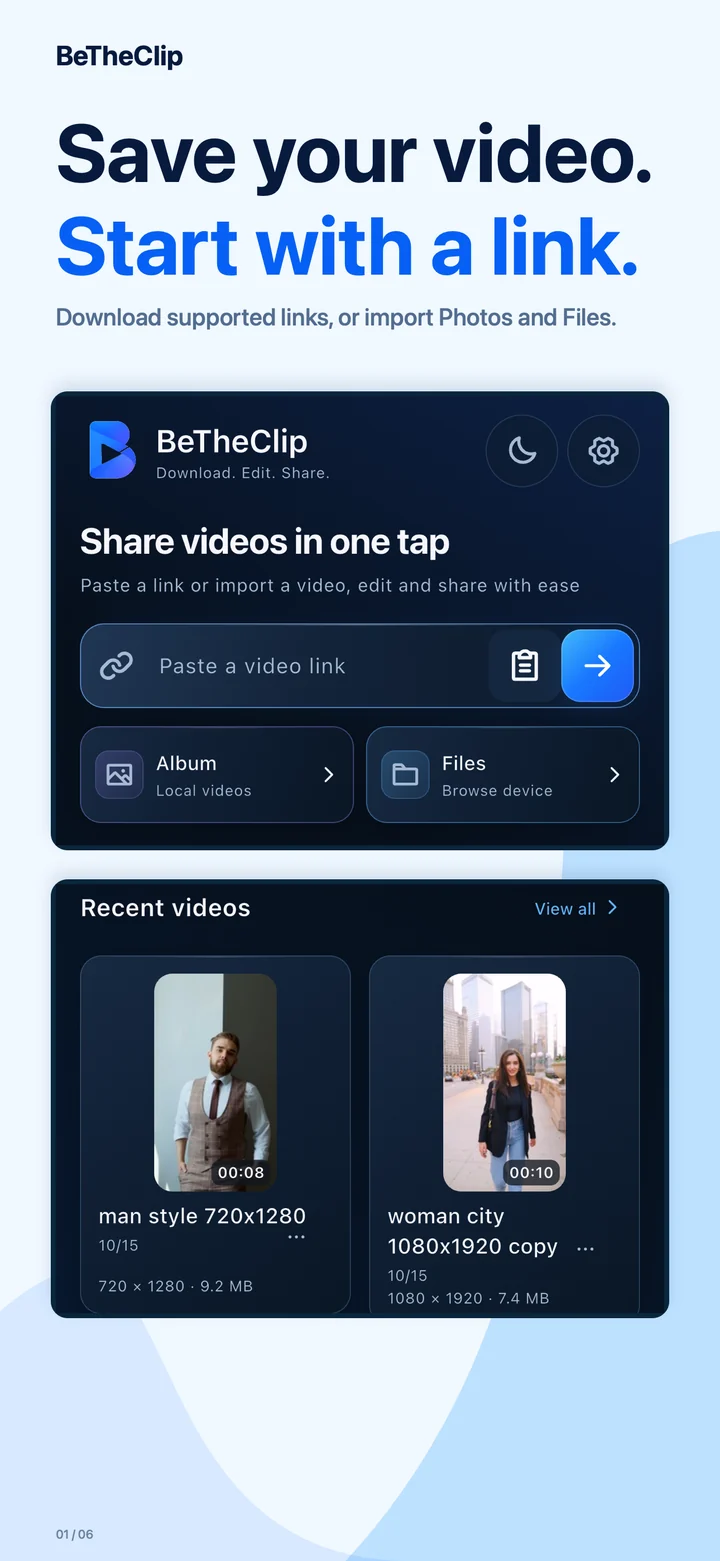
Download supported links, or import Photos and Files.
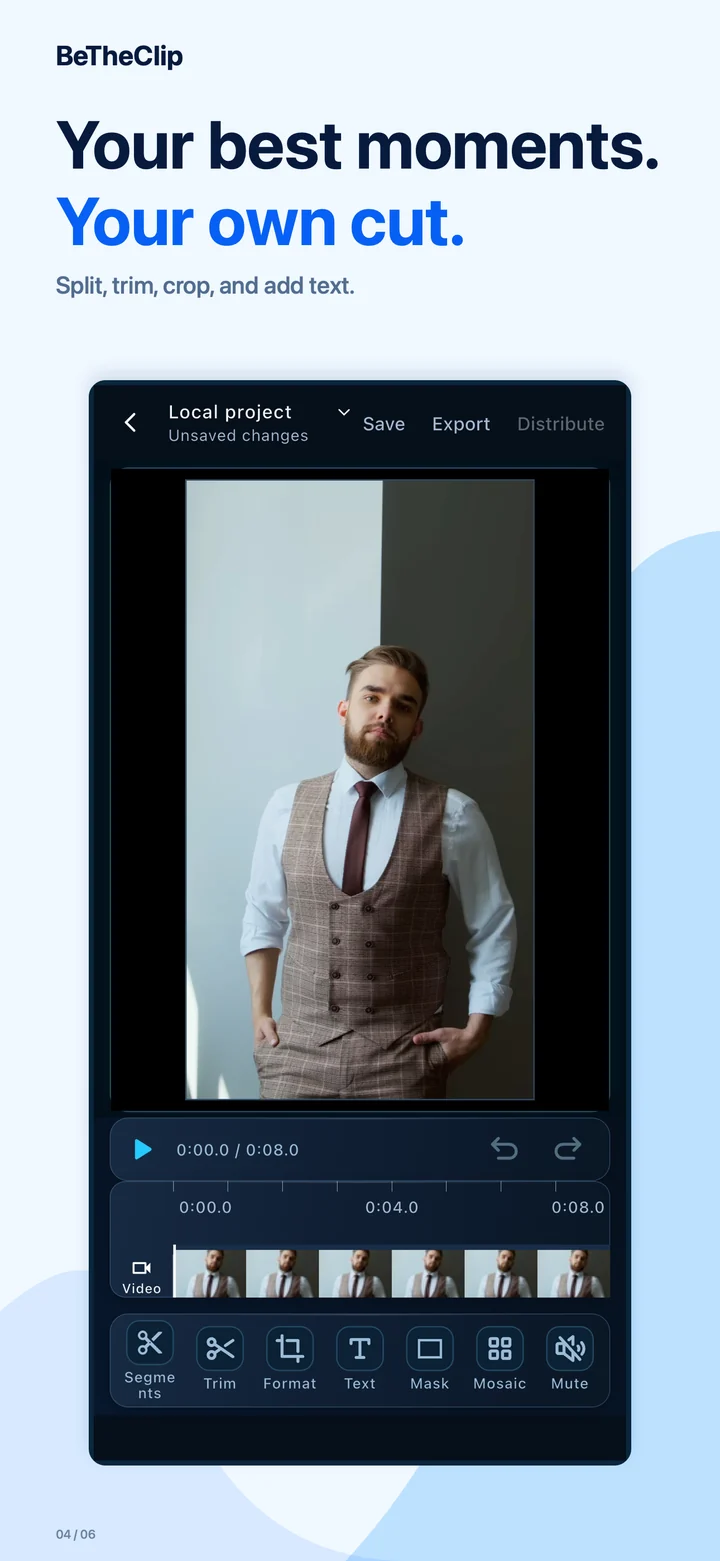
Split, trim, crop, and add text.
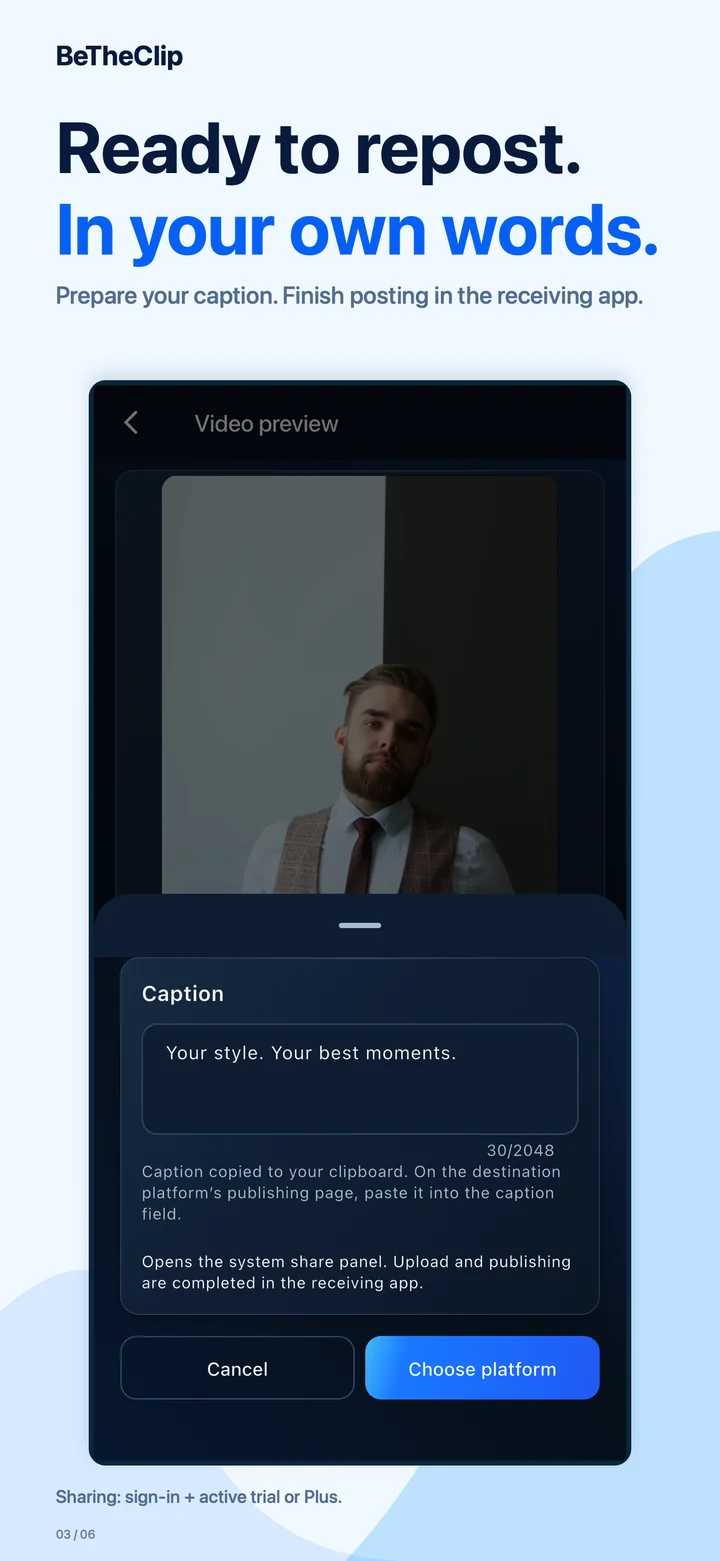
Prepare your caption. Finish posting in the receiving app.
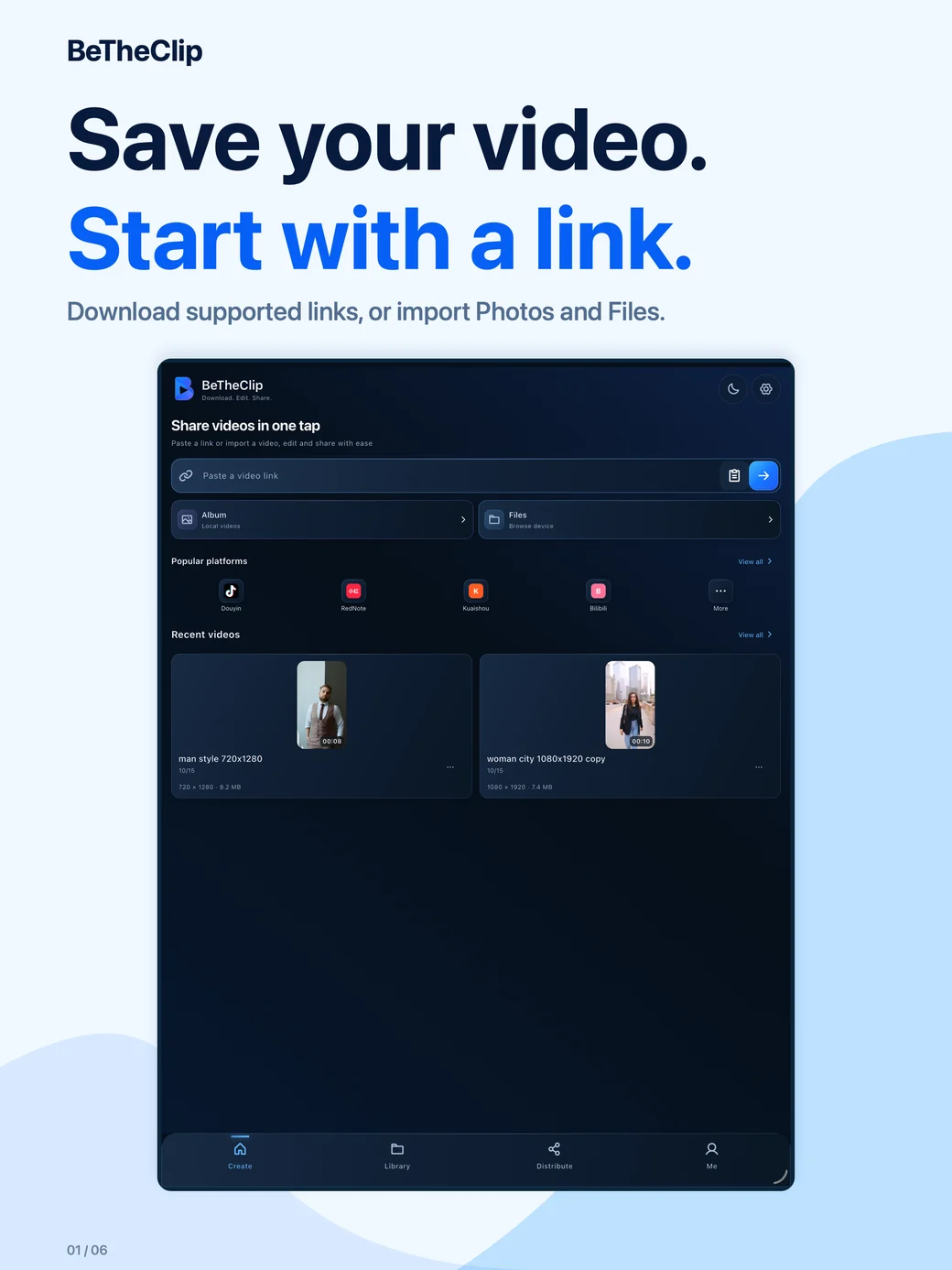
Download supported links, or import Photos and Files.
The walkthrough and Android guides use Android screens. The iOS gallery below uses actual iPhone and iPad captures.
Progress in iOS development does not mean the published Android version has received the same changes. After sharing a video, complete the post in the receiving app.
Help us understand the problem
Contact support@betheclip.com with your app version, the visible error and the steps that led to it. Do not send passwords, payment credentials or private videos.
- Include your app version and Android/device information.
- Describe whether the video came from a link, your gallery or a file, without exposing confidential links.
- Describe the observed result and error; a screenshot is useful if it contains no private information.